

Deliberately simple flows
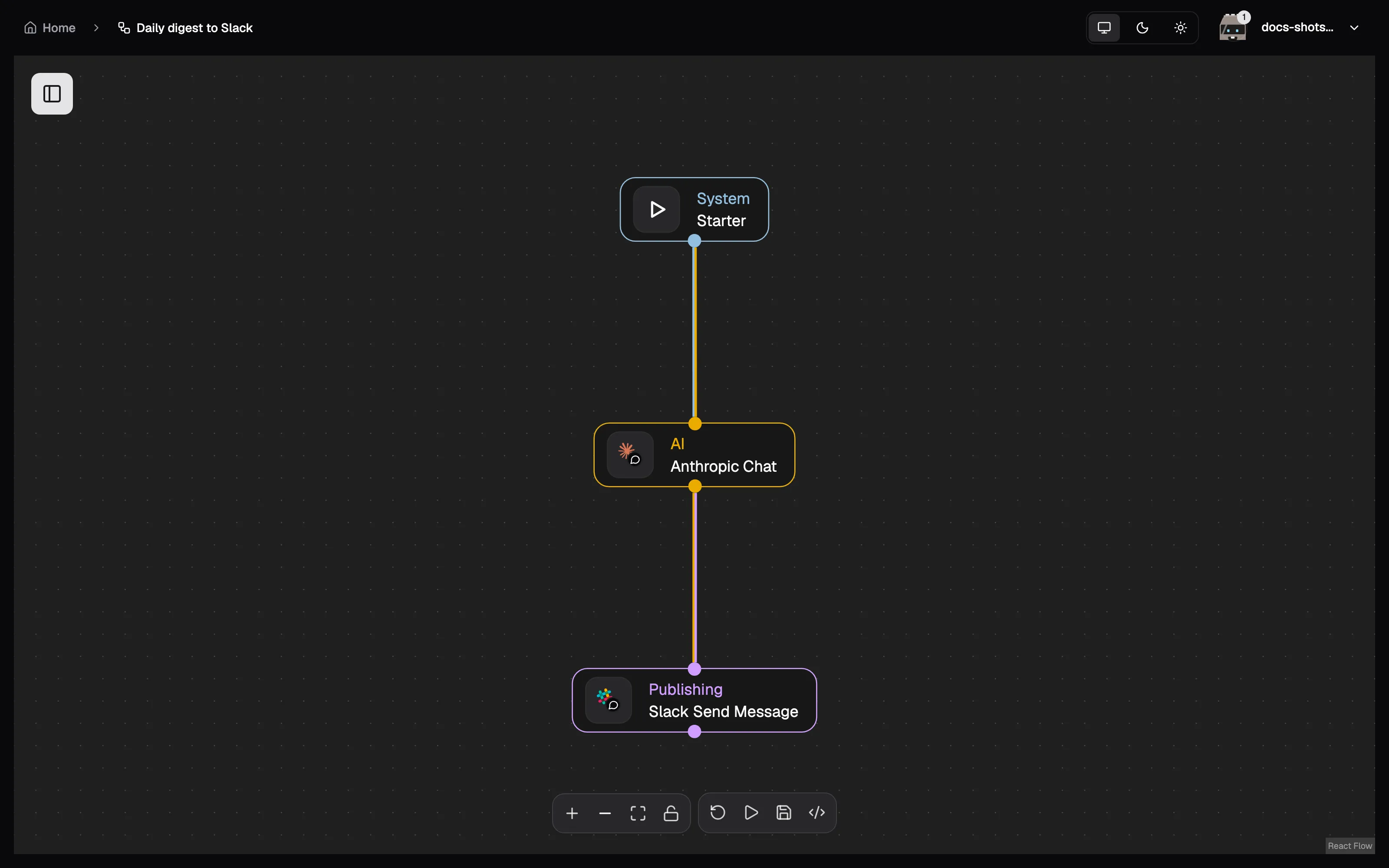
No loops, no sub-workflows, no expression language to learn. Flows stay readable and predictable — that constraint is a feature.


Deliberately simple flows
No loops, no sub-workflows, no expression language to learn. Flows stay readable and predictable — that constraint is a feature.
Describe it, don't configure it
Give a node plain-language instructions and an LLM fills in its parameters at run time. Anything you set explicitly always wins.
Built-in MCP server
Every integration node doubles as an MCP tool, and the platform itself is one too. Point Claude (or any MCP client) at BlockNext, sign in with OAuth, and use your connected services and workflows from chat.
Secure credentials
Encrypted at rest, OAuth tokens auto-refreshed, and only ever decrypted at execution time — flows never embed secrets.
Triggers
Start flows manually, on a schedule, or from the outside via webhooks and API calls.
Live execution view
Watch every task and node progress in real time over WebSocket.
Docker is the only prerequisite, on macOS, Linux or Windows alike. Three steps:
get the code, generate the secrets in your .env, start the stack.
git clone https://github.com/blocknextai/blocknext.gitcd blocknextmake setup # writes .env with generated secretsmake docker-up # pulls the images and starts the stackgit clone https://github.com/blocknextai/blocknext.gitcd blocknextpowershell -ExecutionPolicy Bypass -File scripts\setup.ps1docker compose -f docker-compose.prod.yml up -dPowerShell has no make, so the two steps are spelled out. Docker Desktop
installs a WSL 2 backend and a WSL shell does have make — open one and follow
the Linux instructions instead if you prefer.
make targets are thin wrappers — make help lists them all, and the
Quickstart gives the plain docker compose
equivalent of each. The setup step copies .env.example to .env and gives every
REPLACE_ME_OPENSSL_* placeholder its own generated secret; an existing .env
is left untouched. Migrations run in a one-shot container before the services
come up, so the first start takes a little longer.
Then open http://localhost:4000. The
Quickstart walks through the same steps with
more detail, plus what to do when you have no make.